Guide
Ergonomic Mouse Buying Guide: Vertical vs Trackball vs Regular (2026)
By James R., Ergonomics Specialist · Updated 2026-03-29
By Dr. Alex Chen · Last updated March 21, 2026
Choose a vertical mouse if your wrist pain comes from the palm-down position (pronation). Choose a trackball if it comes from repetitive sliding. Choose a sculpted ergonomic mouse if you want comfort without relearning your grip. The right type depends on your pain profile, not the price tag — a $25 Anker Vertical provides the same pronation relief as a $90 Logitech MX Vertical. This guide matches your situation to the right device in three steps.
The ergonomic mouse market is confusing. Vertical mice, trackballs, sculpted mice, split mice, pen mice, roller mice — each claims to solve wrist pain. Most buyers choose based on Amazon reviews or a coworker's recommendation, not on whether the device actually addresses their specific problem.
This guide cuts through the noise. Three types of ergonomic mouse cover 95% of buyers. Each solves a different biomechanical problem. Match the type to your problem, pick a model in your budget, and you are done.
The Three Types of Ergonomic Mouse
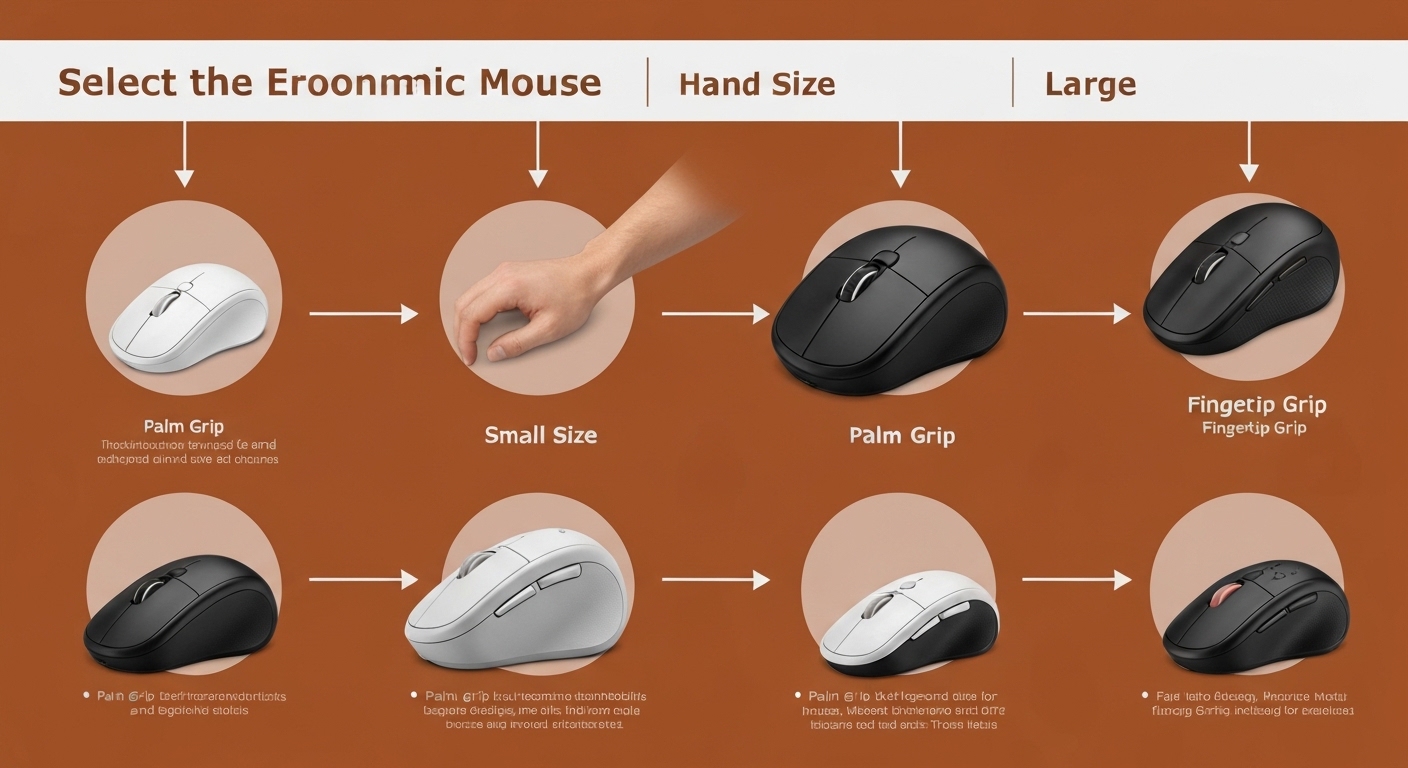
1. Vertical Mouse
What it changes: Rotates your hand from palm-down to a handshake position (57–90 degrees).
What it fixes: Forearm pronation — the twist that tightens the carpal tunnel, strains the pronator muscles, and fatigues the forearm over hours of mouse use.
What it does NOT fix: Repetitive wrist sliding motion (you still move the mouse across the desk). Does not eliminate mouse movement — it changes the wrist position during movement.
Learning curve: 1–2 weeks.
2. Trackball
What it changes: Eliminates mouse movement entirely. The device stays stationary; you roll a ball with your thumb or fingers to move the cursor.
What it fixes: Repetitive wrist sliding — the back-and-forth motion that accumulates strain in the wrist, forearm, and shoulder. Also eliminates the keyboard-to-mouse reaching motion if positioned close to the keyboard.
What it does NOT fix: Forearm pronation. Most trackballs keep the hand in a palm-down position (0–20 degrees). The Logitech MX Ergo adds a modest 20-degree tilt — helpful but not equivalent to a vertical mouse's 57–70 degrees.
Learning curve: 2–4 weeks (thumb trackball) or 3–5 weeks (finger trackball).
3. Sculpted Ergonomic Mouse (Regular Form Factor)
What it changes: Reshapes the mouse body for a more natural hand position — contoured grip, thumb support, optimized button placement — while keeping the hand in a standard palm-down orientation.
What it fixes: Grip fatigue and surface contact discomfort. Improves the comfort of the existing grip without changing the fundamental hand position or movement pattern.
What it does NOT fix: Pronation (hand stays palm-down) or repetitive movement (still slides like a regular mouse). It is the least interventionist option — the most comfortable version of a regular mouse.
Learning curve: Instant — no adaptation needed.
The Decision Flowchart
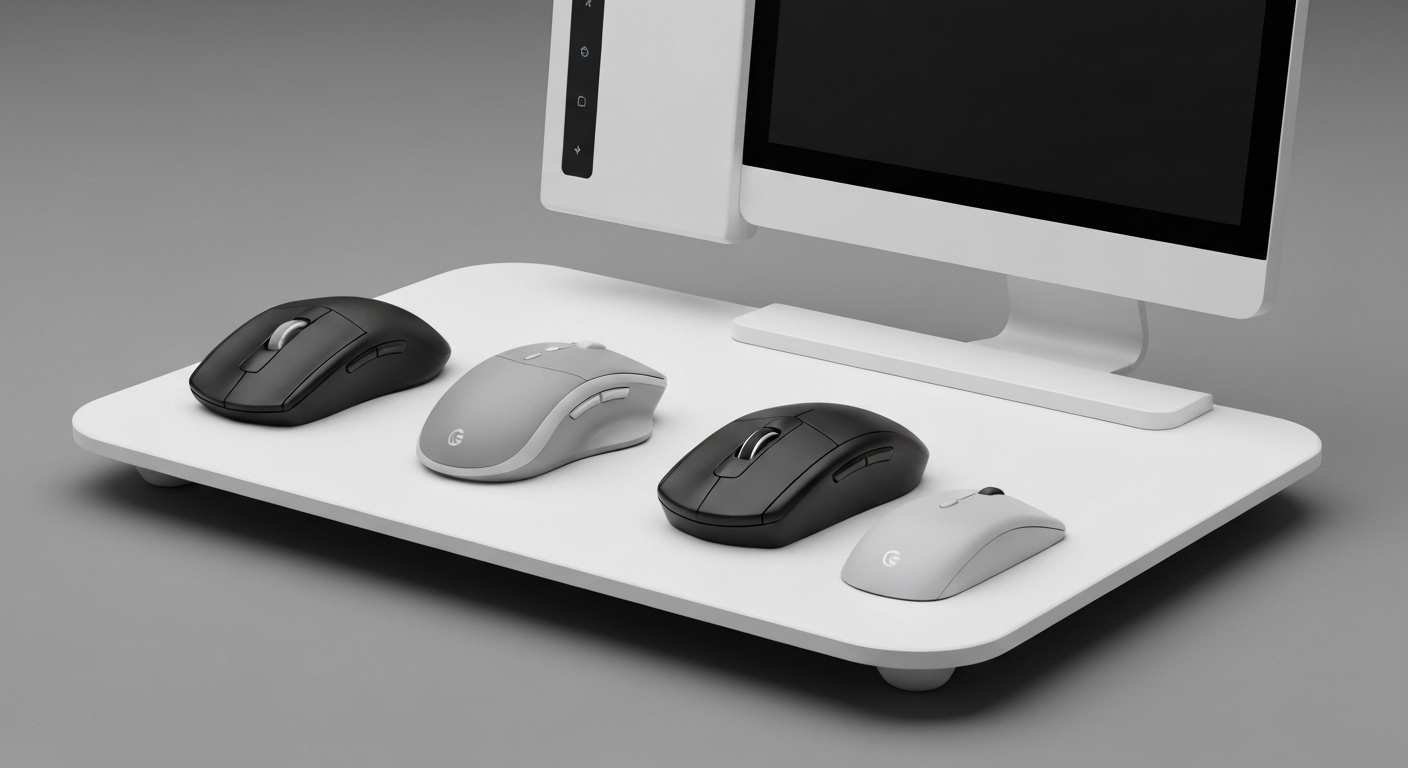
Step 1: Do You Have Wrist or Forearm Pain?
YES — pain during or after mouse use → Go to Step 2.
YES — pain during typing, not mousing → An ergonomic mouse will not fix typing pain. Consider an ergonomic keyboard instead. A mouse upgrade is still worthwhile for prevention.
NO — no pain, want prevention → Go to Step 3.
Step 2: What Type of Pain?
Forearm ache, wrist pronation strain, carpal tunnel tingling → The problem is likely pronation. Buy a vertical mouse. Start with the Anker Vertical ($25) or Logitech MX Vertical ($90). See our best vertical mouse for carpal tunnel guide.
Shoulder pain from reaching, wrist pain from sliding side to side → The problem is likely repetitive movement. Buy a trackball. Start with the Kensington Orbit ($30) or Logitech MX Ergo ($90).
General hand fatigue, no specific pain location → Either type helps. Start with a vertical mouse (shorter learning curve) or a sculpted mouse (zero learning curve).
Step 3: What Is Your Primary Use Case?
Office work (email, documents, browsing) → Any type works. Choose based on desk space and preference.
Programming/development → Vertical mouse for GUI-heavy IDEs. Trackball for keyboard-heavy terminal work. See our vertical mouse vs trackball for programmers guide.
Graphic design / creative work → Sculpted ergonomic mouse (most precise for fast cursor work) or vertical mouse (if pronation is an issue). Trackball for design requires significant adaptation.
Gaming → Vertical mouse for strategy/MMO/casual. Standard gaming mouse for competitive FPS. Trackball for gaming is niche.
Head-to-Head: 12 Factors Compared
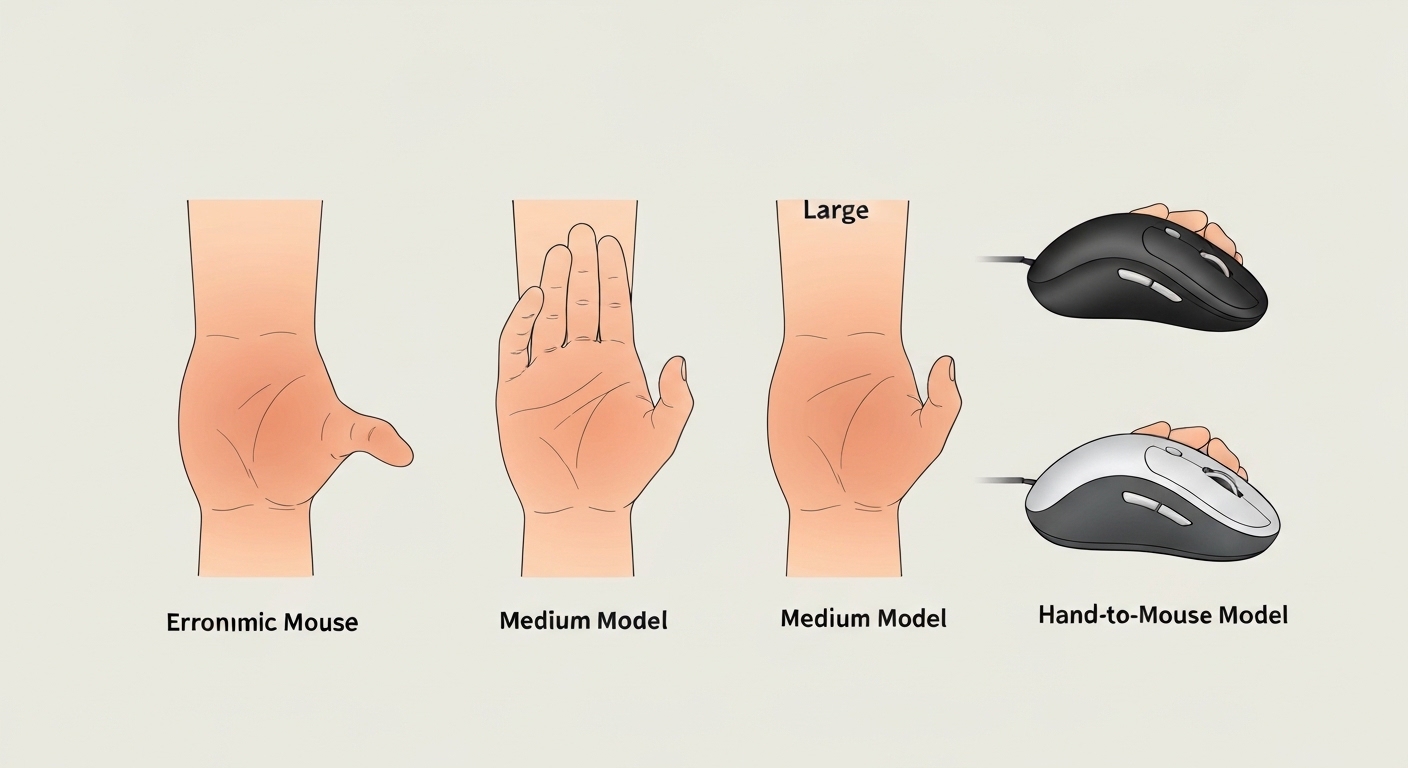
| Factor | Vertical Mouse | Trackball | Sculpted Ergonomic |
|---|---|---|---|
| Pronation reduction | ★★★★★ (50–90%) | ★☆☆☆☆ (0–20%) | ★☆☆☆☆ (0%) |
| Movement reduction | ★★☆☆☆ (still slides) | ★★★★★ (zero movement) | ★☆☆☆☆ (still slides) |
| Grip comfort | ★★★★☆ | ★★★☆☆ | ★★★★★ |
| Learning curve | ★★★★☆ (1–2 weeks) | ★★★☆☆ (2–4 weeks) | ★★★★★ (instant) |
| Precision (office) | ★★★★☆ | ★★★★☆ | ★★★★★ |
| Precision (design) | ★★★☆☆ | ★★★☆☆ | ★★★★★ |
| Gaming suitability | ★★★☆☆ (strategy/MMO) | ★★☆☆☆ (limited) | ★★★★★ (all genres) |
| Desk space needed | ★★★☆☆ (6–8" area) | ★★★★★ (device footprint only) | ★★★☆☆ (6–8" area) |
| Multi-monitor navigation | ★★★★☆ | ★★★☆☆ (multiple spins) | ★★★★★ |
| Drag-and-drop ease | ★★★★☆ | ★★☆☆☆ (ball + button) | ★★★★★ |
| Price range | $13–100 | $25–120 | $30–100 |
| Availability (left-hand) | ★★☆☆☆ (limited) | ★★★★☆ (more options) | ★★★★★ (most are ambidextrous) |
Match by Pain Profile

No Pain (Preventive Use)
Your situation: No current wrist or forearm pain, but you use a mouse 4+ hours daily and want to reduce your risk of developing RSI over time.
Recommendation: Any ergonomic type provides preventive benefit. Choose based on workflow and preference:
- Vertical mouse if you want meaningful biomechanical change with a short learning curve
- Sculpted ergonomic if you want zero disruption to your current workflow
- Trackball if desk space is limited or you are curious about eliminating mouse movement
Budget pick: Anker Vertical ($25) — lowest-cost meaningful ergonomic change.
Forearm and Pronation Pain
Your situation: Aching in the forearm (top side), wrist discomfort after long mouse sessions, tingling in thumb or index finger, symptoms that worsen through the workday and improve with rest.
Recommendation: Vertical mouse. The pain profile matches pronation strain — the forearm rotation that a vertical mouse specifically addresses.
Angle guidance: 57° (MX Vertical, Anker) for mild discomfort and prevention. 70° (Evoluent VerticalMouse 4) for moderate pain or diagnosed carpal tunnel. See our do vertical mice help wrist pain evidence review.
Wrist and Shoulder Movement Pain
Your situation: Wrist pain from side-to-side mouse sliding, shoulder ache from reaching for the mouse, symptoms that correlate with high mouse-movement volume (graphic design, data entry).
Recommendation: Trackball. The pain profile matches repetitive movement strain — the sliding that a trackball eliminates entirely. Position the trackball close to the keyboard to also reduce shoulder reaching.
General Hand Fatigue
Your situation: Hand feels tired and stiff after long sessions, no specific pain point, discomfort that is more "fatigue" than "pain."
Recommendation: Sculpted ergonomic mouse first (zero learning curve, immediate comfort improvement). If fatigue persists, try a vertical mouse (addresses potential underlying pronation that may be contributing).
Severe or Diagnosed Condition
Your situation: Diagnosed carpal tunnel syndrome, tendinitis, de Quervain's, or other specific condition. Under medical care.
Recommendation: Consult your healthcare provider before changing input devices. A 70° vertical mouse (Evoluent VM4) addresses carpal tunnel biomechanics most aggressively. A trackball addresses movement-related aggravation. Your doctor or occupational therapist can recommend based on your specific diagnosis. See our best vertical mouse for carpal tunnel guide.
Match by Use Case
Office Worker (Email, Documents, Browsing)
| Priority | Best Type | Why | Top Pick |
|---|---|---|---|
| Ergonomic benefit | Vertical | Reduces pronation during frequent clicking | MX Vertical ($90) or Anker ($25) |
| Zero disruption | Sculpted | No learning curve; immediate comfort | Logitech MX Master 3S (~$100) |
| Tiny desk | Trackball | Zero movement space needed | MX Ergo ($90) or Kensington Orbit ($30) |
Programmer / Developer
| Priority | Best Type | Why | Top Pick |
|---|---|---|---|
| GUI IDE (VS Code, IntelliJ) | Vertical | Frequent clicking and dragging | MX Vertical ($90) |
| Terminal (Vim, tmux) | Trackball | Minimal mouse use; saves desk space | MX Ergo ($90) |
| Maximum RSI prevention | Both | Dual-device distributes strain | MX Vertical + Kensington Orbit ($120 total) |
Graphic Designer / Creative
| Priority | Best Type | Why | Top Pick |
|---|---|---|---|
| Precision + comfort | Sculpted | Maximum cursor control with ergonomic shape | MX Master 3S (~$100) |
| Pronation relief needed | Vertical | Accepts slight precision tradeoff for wrist health | MX Vertical ($90) |
| Space-constrained desk | Trackball | Precise once adapted; zero desk space | Kensington Expert ($60) |
Gamer
| Priority | Best Type | Why | Top Pick |
|---|---|---|---|
| Competitive FPS | Standard gaming | Vertical and trackball limit flick speed | Dedicated gaming mouse |
| Strategy / MMO / casual | Vertical | Comfort during long sessions; adequate for non-FPS | MX Vertical ($90) |
| Wrist health + gaming | Hybrid | Vertical for daily use; gaming mouse for competitive | Anker ($25) + gaming mouse |
Match by Budget
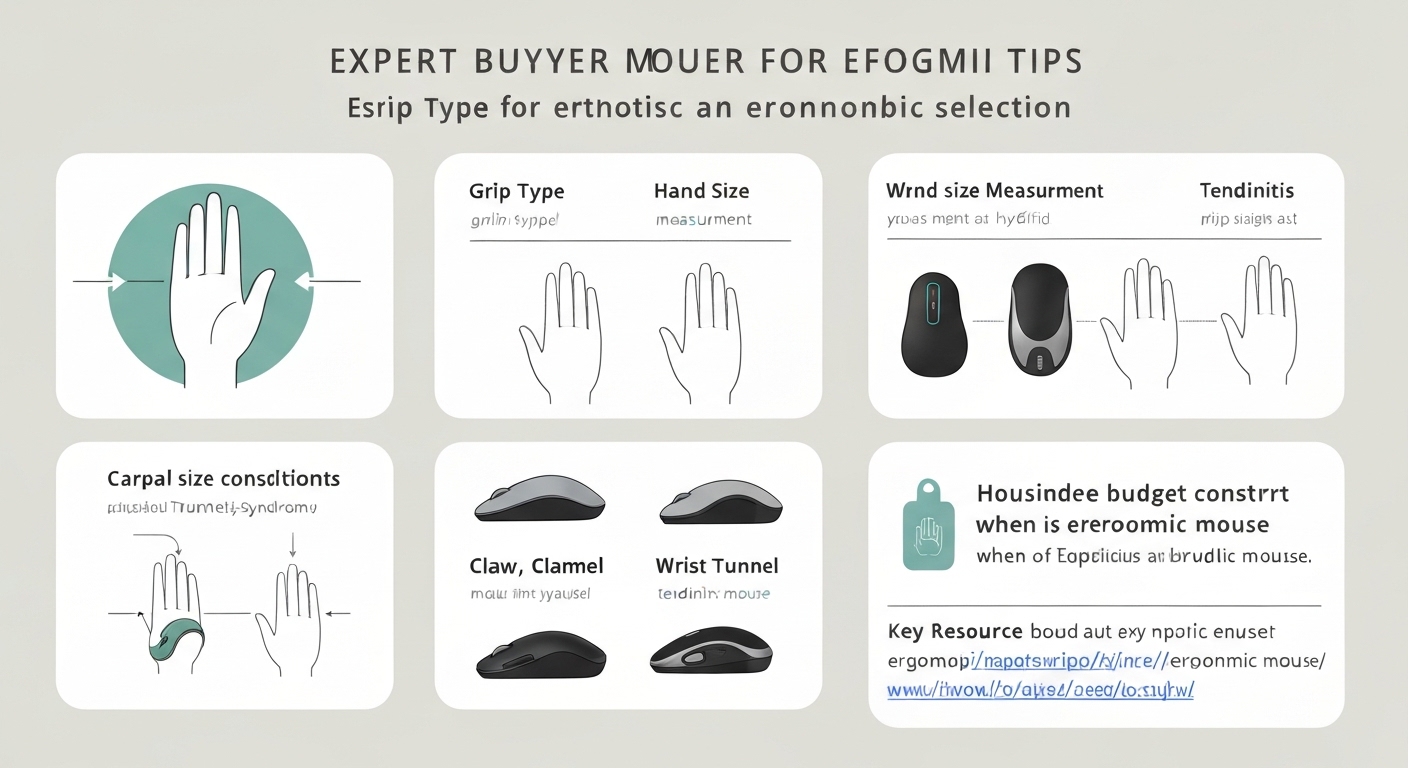
Budget Tier: $13–30
| Type | Model | Price | What You Get |
|---|---|---|---|
| Vertical | J-Tech Digital V628 | ~$13 | Smallest vertical mouse; basic but functional |
| Vertical | Anker Vertical | ~$25 | Best budget vertical — proven, reliable, 57° |
| Trackball | Kensington Orbit | ~$30 | Simple thumb trackball; reliable entry point |
| Sculpted | Logitech M330 Silent | ~$25 | Quiet, comfortable sculpted mouse |
The ergonomic benefit is the same as premium. The Anker Vertical provides identical pronation reduction to the $90 MX Vertical. You sacrifice sensor quality, connectivity, software, and build quality — not ergonomics.
Mid-Range: $30–70
| Type | Model | Price | What You Get |
|---|---|---|---|
| Vertical | ProtoArc EM01 | ~$30 | 3-device Bluetooth, 4000 DPI, USB-C |
| Trackball | Kensington Expert | ~$60 | Large finger ball; scroll ring; most precise trackball |
| Sculpted | Logitech Lift | ~$70 | Vertical-ish (57°) in a compact, quiet design |
Premium: $80–120
| Type | Model | Price | What You Get |
|---|---|---|---|
| Vertical | Logitech MX Vertical | ~$90 | Best overall: Darkfield sensor, BT, Logi Options+, USB-C |
| Vertical | Evoluent VM4 | ~$100 | Steepest angle (70°); 6 buttons; left-hand available |
| Trackball | Logitech MX Ergo | ~$90 | Tiltable thumb trackball; Logi Options+; multi-device |
| Sculpted | Logitech MX Master 3S | ~$100 | Best overall mouse — MagSpeed scroll, per-app buttons |
Hand Sizing Guide
How to Measure
- Width: Lay hand flat, fingers together. Measure across widest knuckle point.
- Length: Tip of middle finger to palm base (wrist crease).
Size Recommendations
| Hand Width | Category | Vertical Mouse | Trackball |
|---|---|---|---|
| Under 2.5" | Extra Small | J-Tech V628 (60mm) | Kensington Orbit (compact) |
| 2.5–2.9" | Small | Evoluent VM Small (62mm), Anker (64mm) | Kensington Orbit |
| 3.0–3.25" | Medium | MX Vertical (78mm), ProtoArc EM01 (75mm) | MX Ergo, Kensington Expert |
| 3.25–3.5" | Medium-Large | MX Vertical, Evoluent VM4 (75mm) | MX Ergo, Kensington Expert |
| Over 3.5" | Large | Evoluent VM4 | Kensington Expert |
Critical rule: An oversized mouse forces your hand open and creates new strain. An undersized mouse requires a pinch grip that fatigues quickly. Correct sizing matters more than which brand you choose. For detailed sizing, see our best vertical mouse for small hands or best vertical mouse for large hands guides.
The Hybrid Strategy
Why One Mouse May Not Be Enough
The most effective ergonomic approach uses two devices — distributing repetitive strain across different muscle groups so no single group accumulates fatigue:
Option A: Vertical + Trackball
- Vertical for GUI-heavy tasks (clicking, dragging, browsing)
- Trackball for navigation-light tasks (scrolling, quick clicks, terminal)
- Different muscle groups per device — maximum strain distribution
Option B: Vertical + Standard
- Vertical for 80% of daily use (office work, email, general computing)
- Standard for 20% (competitive gaming, precision design)
- Reduces total pronation exposure by 80% while retaining a flat mouse for specific tasks
Option C: Trackball + Standard
- Trackball for stationary tasks (reading, document review, casual browsing)
- Standard for movement-intensive tasks (design, presentations, multi-monitor navigation)
- Eliminates wrist movement for the majority of daily mouse use
Cost of the Hybrid Approach
| Combo | Budget | Premium |
|---|---|---|
| Vertical + Trackball | Anker ($25) + Kensington Orbit ($30) = $55 | MX Vertical ($90) + MX Ergo ($90) = $180 |
| Vertical + Standard | Anker ($25) + any existing mouse = $25 | MX Vertical ($90) + existing mouse = $90 |
Top Picks by Category
Best Vertical Mice
| Pick | Price | Best For |
|---|---|---|
| Logitech MX Vertical | ~$90 | Best overall — multi-device, Mac software, glass tracking |
| Anker Vertical | ~$25 | Best budget — same 57° angle, proven reliable |
| Evoluent VM4 | ~$100 | Best for carpal tunnel — steepest angle (70°), left-hand available |
For full reviews: Logitech MX Vertical review | Best vertical mouse under $50
Best Trackballs
| Pick | Price | Best For |
|---|---|---|
| Logitech MX Ergo | ~$90 | Best overall — tilt, multi-device, Logi Options+ |
| Kensington Expert | ~$60 | Best precision — large finger ball, scroll ring |
| Kensington Orbit | ~$30 | Best budget — simple, reliable thumb trackball |
Best Sculpted Ergonomic
| Pick | Price | Best For |
|---|---|---|
| Logitech MX Master 3S | ~$100 | Best overall mouse period — MagSpeed scroll, per-app, silent |
| Logitech Lift | ~$70 | Best compact — 57° tilt in a smaller body; left-hand model available |
Frequently Asked Questions
What type of ergonomic mouse should I buy?
Vertical for pronation pain (palm-down strain). Trackball for movement pain (sliding strain). Sculpted for general comfort with no learning curve. Match the type to your pain source, not the price tag.
Is a vertical mouse better than a regular mouse?
For ergonomics, yes — 50–90% pronation reduction. For performance, it matches a regular mouse for office work and most gaming. Slightly worse for competitive FPS and fast creative work.
Is a trackball better than a vertical mouse?
Different solutions. Vertical fixes wrist position. Trackball fixes wrist movement. Neither is universally better. Try both at budget tier ($25 + $30 = $55) to see which addresses your specific issue.
How much should I spend?
$25–30 gets full ergonomic benefit (Anker Vertical, Kensington Orbit). $90–100 adds multi-device, Bluetooth, software, and premium build (MX Vertical, MX Ergo). The ergonomic benefit is the same across tiers.
Do I need one if I have no pain?
Not urgently, but a $25 vertical mouse is cheap insurance if you use a mouse 4+ hours daily. RSI develops gradually — prevention is easier than treatment.
Best for Mac?
Logitech MX Vertical (vertical) or MX Ergo (trackball) — both have native macOS software. Budget: any Bluetooth vertical mouse + LinearMouse app.
Can I switch between ergonomic and regular?
Yes — the hybrid approach (ergonomic for 80% of use, regular for 20%) is the most practical strategy. Your brain adapts to multiple input devices without conflict.
What size do I need?
Measure hand width across knuckles. Under 3": small mouse. 3–3.5": medium. Over 3.5": large. Correct size matters more than brand.
Sources & Methodology
This guide compares ergonomic mouse types based on biomechanical principles, ergonomic research, and practical use-case matching.
Ergonomic References:
- OSHA: Computer Workstation eTool — input device ergonomics — osha.gov
- NIOSH: Ergonomics and Musculoskeletal Disorders — cdc.gov/niosh
- Research on forearm pronation, ulnar deviation, and carpal tunnel pressure at varying hand positions
Product References:
- Mouse specifications from manufacturer product pages (Logitech, Evoluent, Kensington, Anker)
- Pricing reflects typical US retail at publication
Methodology notes:
- Type recommendations based on matching biomechanical mechanism (pronation reduction, movement elimination, grip comfort) to specific pain profiles
- Star ratings are relative within each factor and reflect the type's strength for that specific attribute
- Budget tier recommendations prioritize ergonomic benefit per dollar; premium recommendations add convenience, connectivity, and durability
- This guide provides ergonomic information, not medical advice. Consult a healthcare provider for diagnosed conditions
- We may earn a commission on purchases at no additional cost to you; affiliate relationships do not influence recommendations
Internal links referenced: