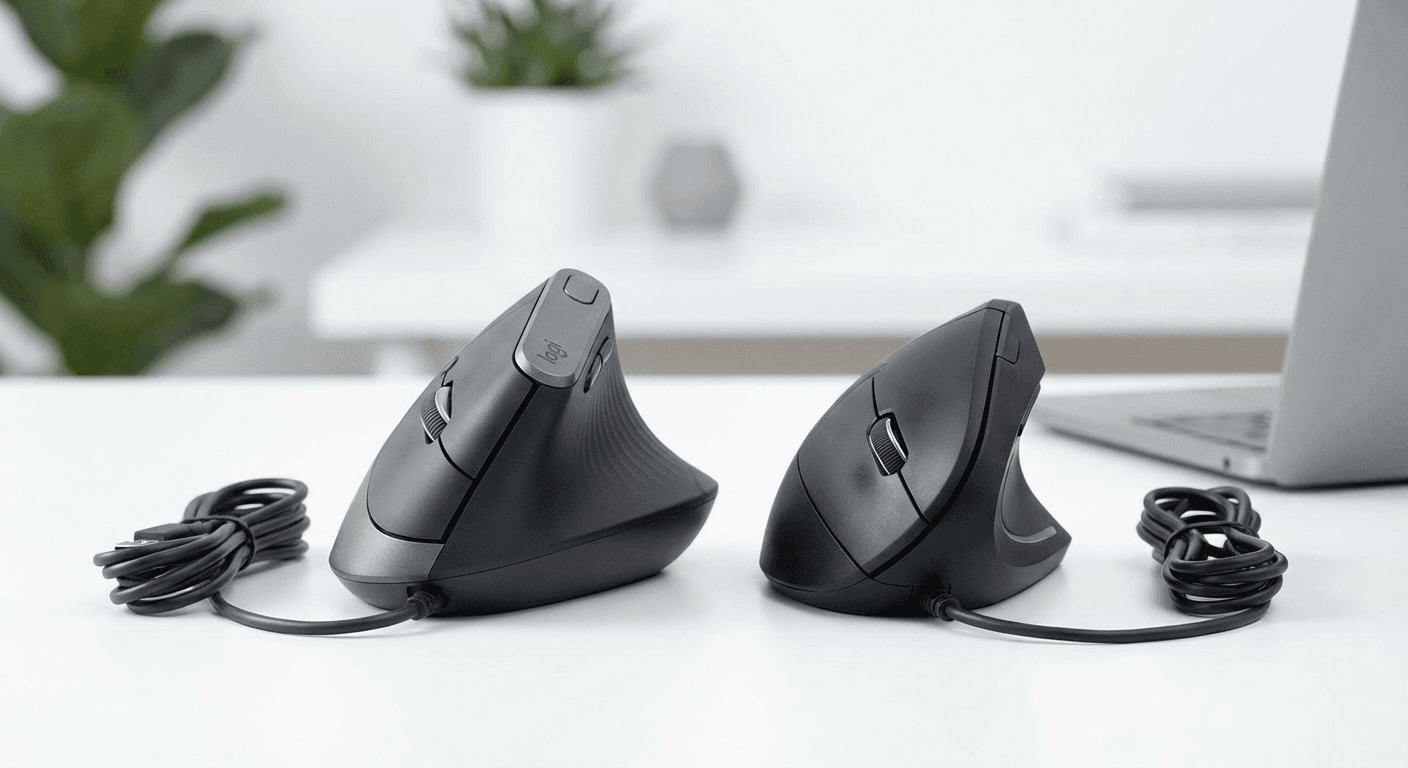
Logitech MX Vertical vs Anker Ergonomic: Full Comparison (2026)
Logitech MX Vertical vs Anker Ergonomic: same 57° angle, very different features and price. Full spec comparison, who should buy each, and when the $65 premium is worth it.
Updated 2026-03-23
Quick Answer: Logitech MX Vertical vs Anker Ergonomic: Full Comparison (2026)
Logitech MX Vertical vs Anker Ergonomic: Full Comparison (2026)
By Dr. Alex Chen · Last updated March 2026
Disclosure: We may earn a commission from qualifying purchases. This does not influence our recommendations.
Both the Logitech MX Vertical and Anker Ergonomic Vertical Mouse use the same 57-degree handshake angle and deliver the same pronation reduction. The Anker costs $25. The MX Vertical costs $90. The $65 difference buys Bluetooth multi-device pairing, a Darkfield glass-tracking sensor, Logi Options+ per-app customization, USB-C charging, and quieter clicks — not additional ergonomic benefit. Choose Anker for pure wrist relief on a budget; choose MX Vertical if the premium features match your workflow.
Quick Verdict
Buy the Anker ($25) if: you've never used a vertical mouse and want to test the concept at low cost; budget is under $50; you use one computer on a standard desk; you want zero software complexity.
Buy the MX Vertical ($90) if: you switch between 2-3 computers; you have a glass desk; you're a Mac user wanting native software; you work in an open office needing quiet clicks; you want per-app button customization.
Specifications Compared
Price: Anker ~$25 / MX Vertical ~$90. Angle: Both 57 degrees. Sensor: Anker 1600 DPI optical / MX Vertical 4000 DPI Darkfield. Glass Tracking: Anker No / MX Vertical Yes. Connectivity: Anker 2.4 GHz dongle only / MX Vertical Bluetooth + 2.4 GHz. Multi-device: Anker 1 device / MX Vertical 3 devices. Battery: Anker 2x AAA (6 months) / MX Vertical USB-C rechargeable (4 months). Software: Anker None / MX Vertical Logi Options+. Click Volume: Anker Standard / MX Vertical Quiet. Weight: Anker 122g / MX Vertical 135g.
Ergonomic Performance: The Part That Matters
This is the most important section for most buyers: both mice deliver identical ergonomic benefit. The 57-degree angle rotates the forearm from a palm-down position to a neutral handshake position. This reduces forearm pronation by approximately 57%, reduces carpal tunnel pressure, reduces pronator muscle fatigue, and improves wrist neutrality. Neither mouse provides more wrist protection than the other. The ergonomic benefit is identical regardless of price.
Both mice require the same 1-2 week adjustment period. Days 1-3 feel awkward. Days 4-7 feel mostly natural. Days 8-14 feel fully adapted. Keep your flat mouse nearby for the first week.
Sensor and Tracking
The MX Vertical's Darkfield sensor tracks on glass, marble, laminate, polished metal, and virtually any surface. The Anker's optical sensor works perfectly on fabric mouse pads, wood, and laminate — but fails on glass. If your desk is glass, you need either a mouse pad with the Anker or the MX Vertical's Darkfield. Both mice offer 1600 DPI for everyday tasks — the MX Vertical extends to 4000 DPI for multi-monitor sweeps or precision work.
Connectivity and Multi-Device
The MX Vertical supports 3 Bluetooth pairings plus one Unifying Receiver connection. Button press switches between devices in 1-2 seconds. Combined with Logitech Flow, the cursor moves between computers by reaching the screen edge. The Anker connects to one computer via its 2.4 GHz dongle — functional but requires dongle re-plugging to switch computers. For MacBook Pro users, the Anker's USB-A dongle needs an adapter. The MX Vertical connects via Bluetooth natively, using no ports.
Software and Customization
Logi Options+ (MX Vertical only) provides per-app button customization — different shortcuts in Excel, Chrome, Zoom, and Slack. The gesture button maps to macOS Mission Control, Exposé, and Spaces. DPI adjustable to any value 400-4000. The Anker is plug-and-play with zero software. Three DPI presets via physical button. What you see is what you get.
Battery and Charging
Anker: 2x AAA, approximately 6 months per set, no charging required. MX Vertical: built-in Li-ion, USB-C, approximately 4 months per charge, 1-minute quick charge = 3 hours. Both approaches have merit — the Anker's longer interval means fewer interactions, while the MX Vertical's USB-C matches the Mac ecosystem cable.
Build Quality
The MX Vertical features rubberized grip on the thumb area, weighs 135g for a planted feel, and has quiet microswitches. Expected lifespan: 3-5 years. The Anker uses matte ABS plastic throughout, weighs 122g, has standard microswitches, and stepped scroll wheel. Expected lifespan: 18-36 months. Both are ergonomically functional — the MX Vertical feels premium, the Anker feels like a $25 mouse.
Mac Users: Which to Choose
The MX Vertical is significantly better for Mac users. Bluetooth means no USB-A adapter needed. Logi Options+ runs natively on macOS (Apple Silicon optimized) with Mission Control, Exposé, and Spaces gesture support. USB-C charging matches MacBook cables. The Anker works on Mac with a USB-C adapter but lacks any Mac software. For detailed Mac guidance, see our best vertical mouse for MacBook Pro (/guides/best-vertical-mouse-macbook-pro) guide.
For carpal tunnel-specific guidance, see our best vertical mouse for carpal tunnel (/guides/best-vertical-mouse-carpal-tunnel) guide. For a deeper look at what the MX Vertical offers, see our Logitech MX Vertical review (/guides/logitech-mx-vertical-review). For comprehensive ergonomic decision-making, see our ergonomic mouse buying guide (/guides/ergonomic-mouse-buying-guide). For carpal tunnel prevention resources, see carpaltunnelguide.com.
Frequently Asked Questions
Is the Logitech MX Vertical worth the extra cost over the Anker? Yes, if you need Bluetooth multi-device pairing, Darkfield glass tracking, Logi Options+ per-app customization, or USB-C charging. No, if you only need basic ergonomic wrist relief — the Anker provides the same 57-degree pronation reduction for $65 less.
Do both mice have the same ergonomic angle? Yes. Both use a 57-degree handshake grip angle, providing approximately 57% pronation reduction.
Can the Anker mouse track on a glass desk? No. Standard optical sensor. You need a mouse pad on glass. The MX Vertical's Darkfield sensor tracks on glass natively.
Which mouse has better battery life? The Anker lasts approximately 6 months on two AAA batteries. The MX Vertical lasts approximately 4 months with USB-C rechargeable.
Which is better for Mac users? The Logitech MX Vertical — Bluetooth, USB-C charging, and native Logi Options+ software for macOS.
Sources and Methodology
Ergonomic references: OSHA Computer Workstation eTool (osha.gov). NIOSH Ergonomics and Musculoskeletal Disorders (cdc.gov/niosh). Published biomechanical analysis of forearm pronation at 57-degree grip angle. Logitech MX Vertical specifications: official Logitech product page. Anker Ergonomic Vertical Mouse specifications: Anker product listings. Pricing: typical US retail March 2026.
Key takeaway: pick the smallest mouse that still supports your palm, then prioritize low click force.
Real Product Photos: All Reviewed Models
Each image below is a real product listing photo stored locally for faster loads and stable rendering.
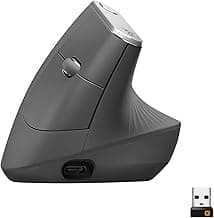
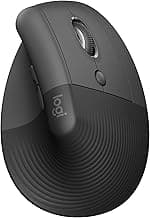
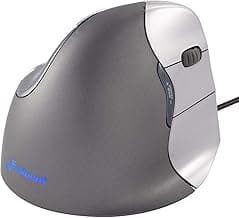
Comparison Table: Logitech MX Vertical vs Anker Ergonomic: Full Comparison (2026)
Key takeaway: comfort fit beats raw specs for long-term productivity.
| Product | Best For | Price Band | Rating | Link |
|---|---|---|---|---|
| Logitech MX Vertical | Best full-featured vertical mouse | $$$ | 4.5/5 | Check on Amazon |
| Anker Ergonomic Vertical Mouse | Best budget vertical mouse | $ | 4.3/5 | Check on Amazon |
| Evoluent VerticalMouse 4 | Best for severe wrist pain (70°) | $$$ | 4.4/5 | Check on Amazon |
Note: Amazon links may be affiliate links and can generate commissions at no extra cost to you.