
Best Ergonomic Mouse for Programmers with Wrist Pain (2026)
Keyword-focused programmer guide covering coding workloads, click fatigue, and all-day comfort tradeoffs for wrist-sensitive developers.
Updated 2026-03-03
How We Tested for Real Coding Workloads
This ranking is tuned for developers spending 6 to 10 hours in IDEs, terminals, docs, PR review, and browser debugging loops. We weight fit + posture support (35%), click fatigue under sustained use (25%), cursor reliability during multi-window work (20%), and long-term ownership value (20%).
Any model that triggers rising thumb strain, forearm tension, or unstable pointer confidence by day five drops in rank regardless of branding.
Scope note: this is non-medical buyer guidance for programming ergonomics.
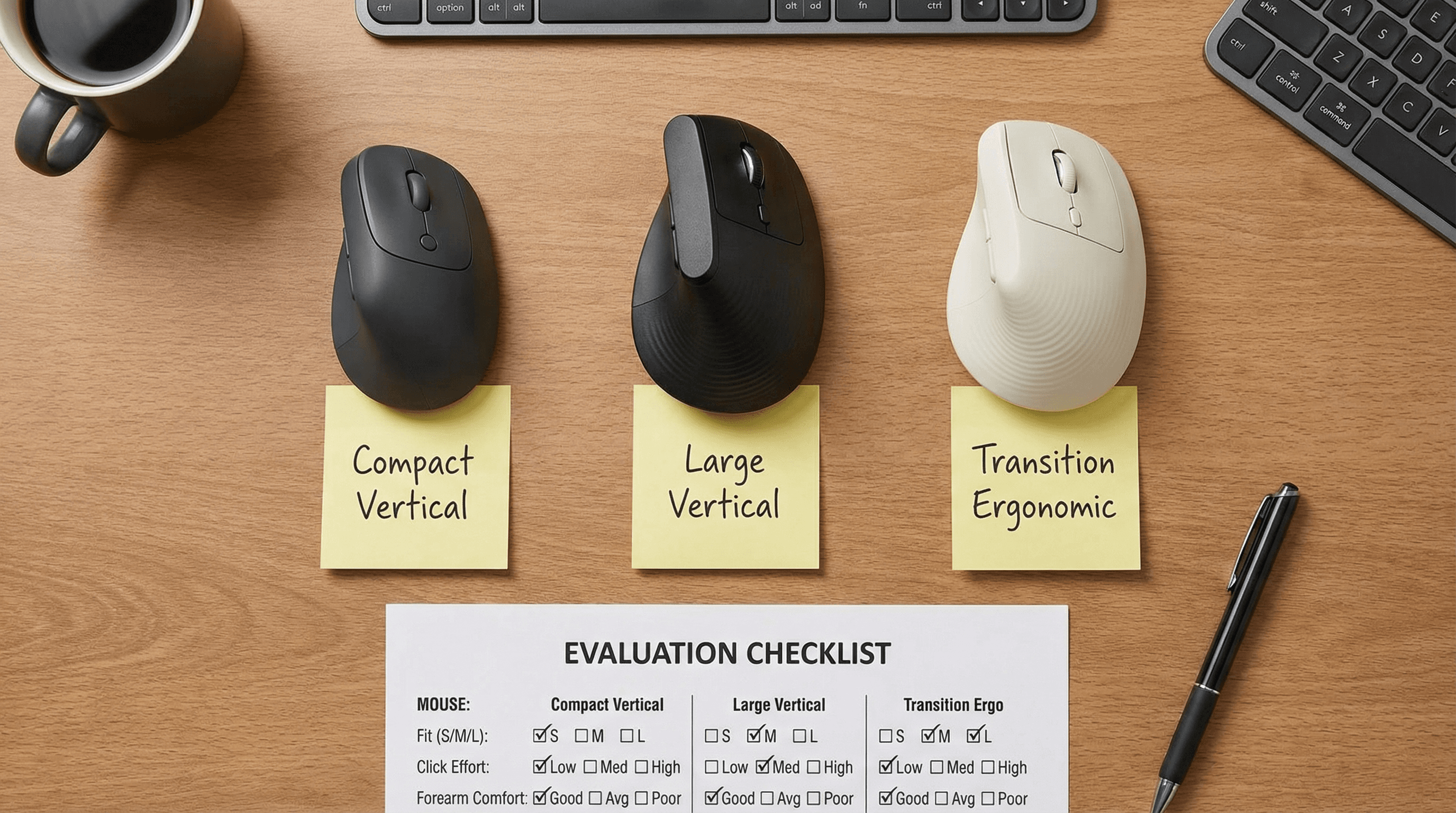
Programmer Workflow Playbook (7-Day Evaluation)
IDE-heavy coding blocks: run 90-minute implementation sessions and track pointer accuracy + click fatigue near the final 20 minutes.
Debug + docs loops: test frequent app switching between terminal, browser, and editor to validate precision under context switching.
PR review sessions: assess scroll-wheel consistency and micro-navigation control across long diff reviews.
Meeting + screenshare days: verify low-noise click behavior and stable pointer confidence while presenting live code.
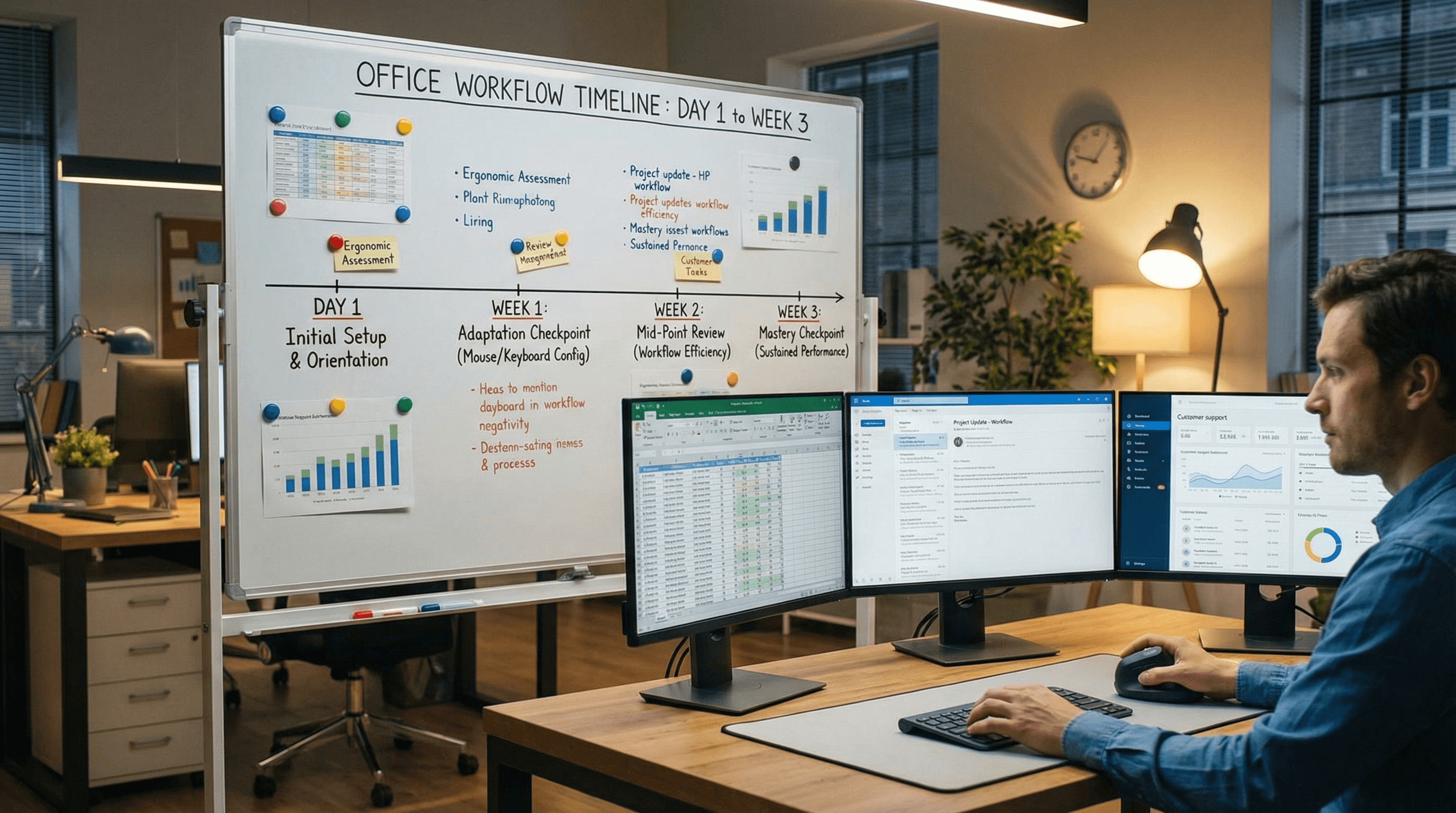
Decision Framework: Match Symptom Pattern to Mouse Profile
Thumb-base strain first: favor compact-to-mid shells with easy thumb parking and lighter side-button force.
Forearm ache first: prioritize stronger vertical support and lower grip effort across long compile/debug loops.
Finger fatigue from clicks: prioritize softer primary switch feel before chasing extra buttons.
Team rollout: pilot two models (default + alternative fit) across mixed hand sizes before bulk ordering.

Internal Next-Step Guides
Compare low-noise ergonomic picks for developer teams.Smaller hands in your dev team?
Use compact-fit shortlist and overreach checklist.Need full office procurement depth?
Use deep-dive methodology and rollout framework.Want the shorter office summary?
Read the quick ranking version.
Programmer Ergonomic Mouse FAQ
What is the best first ergonomic mouse for most programmers?
Logitech Lift is usually the safest first choice thanks to balanced fit, lower click effort, and stable all-day coding comfort.
How long should I adapt before deciding?
Use a 5- to 7-day real coding workflow before keep/return decisions, with stronger comfort validation by week two.
Should developers prioritize DPI upgrades?
For comfort outcomes, shell fit and click force matter more than headline DPI numbers.
Can one model fit an entire engineering team?
Usually no. A two-model policy reduces mismatch and improves adoption across hand sizes.
Editorial Transparency
Author: Vertical Mouse Guide Editorial Team · Visual assets: Vinnie lane (programmer article image set) · Last reviewed: 2026-03-03.
This page is educational buyer guidance and does not replace diagnosis or treatment advice from a qualified clinician.
Final Verdict: Programmers With Wrist Discomfort
For most coding workloads, start with Logitech Lift, keep MX Vertical as the larger-hand premium lane, and use ProtoArc EM11 NL when quieter shared-office clicks are important.
The winning mouse is the one that keeps comfort stable during your hardest coding block by day five, not the one with the longest feature list.
30-Second Video: Best Ergonomic Mouse for Programmers with Wrist Pain
30-second walkthrough for best ergonomic mouse for programmers with wrist pain.
Quick Answer: Best Ergonomic Mouse for Programmers with Wrist Pain (2026)
If you code for 6 to 10 hours a day, your mouse decision should be based on workload behavior, not raw specs. Developers need stable cursor control, low click fatigue, and posture support across long debugging sessions.
This guide targets high-intent programmer search terms including ergonomic mouse for programmers, best mouse for coding wrist pain, vertical mouse for developers, and RSI-friendly office mouse options.
For coding workflows, the core scoring model is fit and posture support (35%), sustained click comfort (25%), precision and reliability during multi-window work (20%), and ownership value (20%).
Top quick picks: Logitech Lift for safest all-round programming comfort, MX Vertical for larger hands and premium build confidence, and ProtoArc EM11 NL if you need quieter clicks in shared dev offices.
Use a practical seven-day code-workload test: IDE navigation, terminal switching, browser research, and code review loops. Keep the model that holds comfort stability by day five.
If your pain pattern is thumb-base strain, prioritize smaller shells and lower button resistance. If forearm ache dominates, prioritize stronger vertical posture support and lower grip force.
For teams, avoid one-model procurement. A two-model stack (default + alternative fit) reduces mismatch and support tickets while improving adoption.
This is non-medical buyer guidance for productivity ergonomics and does not replace diagnosis or treatment advice.
Key takeaway: pick the smallest mouse that still supports your palm, then prioritize low click force.
Top Picks Quick Comparison
Fast shortlist for decision-first readers. Full table remains below for complete detail.
| Product | Best For | Price | Rating |
|---|---|---|---|
| Logitech Lift | Best overall for most programmers | $$ | 4.6/5 |
| Logitech MX Vertical | Best premium for larger coding hands | $$$ | 4.5/5 |
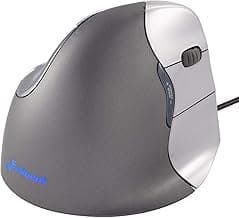
| Evoluent VerticalMouse 4 | Best posture-first contour | $$$ | 4.4/5 |
| ProtoArc EM11 NL | Best quiet coding-office value | $$ | 4.4/5 |
| Anker Wireless Vertical | Best budget coding trial | $ | 4.3/5 |
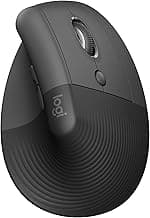
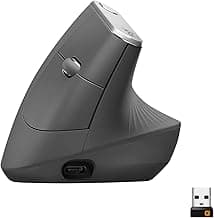
Real Product Photos: All Reviewed Models
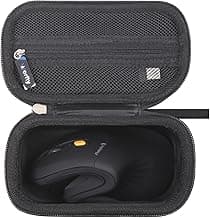
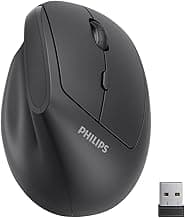
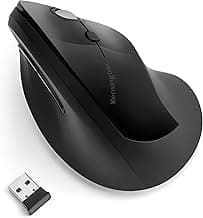
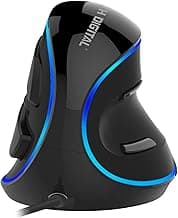
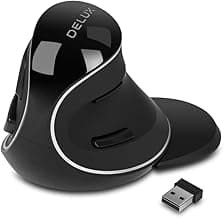
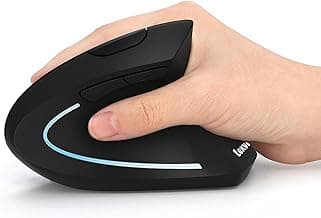
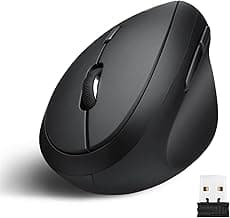
Each image below is a real product listing photo stored locally for faster loads and stable rendering.
Comparison Table: Best Ergonomic Mouse for Programmers with Wrist Pain (2026)
Key takeaway: comfort fit beats raw specs for long-term productivity.
| Product | Best For | Price Band | Rating | Link |
|---|---|---|---|---|
| Logitech Lift | Best overall for most programmers | $$ | 4.6/5 | Check on Amazon |
| Logitech MX Vertical | Best premium for larger coding hands | $$$ | 4.5/5 | Check on Amazon |
| Evoluent VerticalMouse 4 | Best posture-first contour | $$$ | 4.4/5 | Check on Amazon |
| ProtoArc EM11 NL | Best quiet coding-office value | $$ | 4.4/5 | Check on Amazon |
| Anker Wireless Vertical | Best budget coding trial | $ | 4.3/5 | Check on Amazon |
| Kensington Pro Fit Ergo Vertical | Best transition from standard dev mouse | $$ | 4.2/5 | Check on Amazon |
| J-Tech Digital V628 | Best palm shelf support | $$ | 4.2/5 | Check on Amazon |
| Delux M618 Plus | Best feature-rich value | $$ | 4.2/5 | Check on Amazon |
| Lekvey Rechargeable Vertical | Best low-cost rechargeable option | $ | 4.3/5 | Check on Amazon |
| Perixx PERIMICE-718 | Best wired reliability for fixed desks | $ | 4.2/5 | Check on Amazon |
Note: Amazon links may be affiliate links and can generate commissions at no extra cost to you.