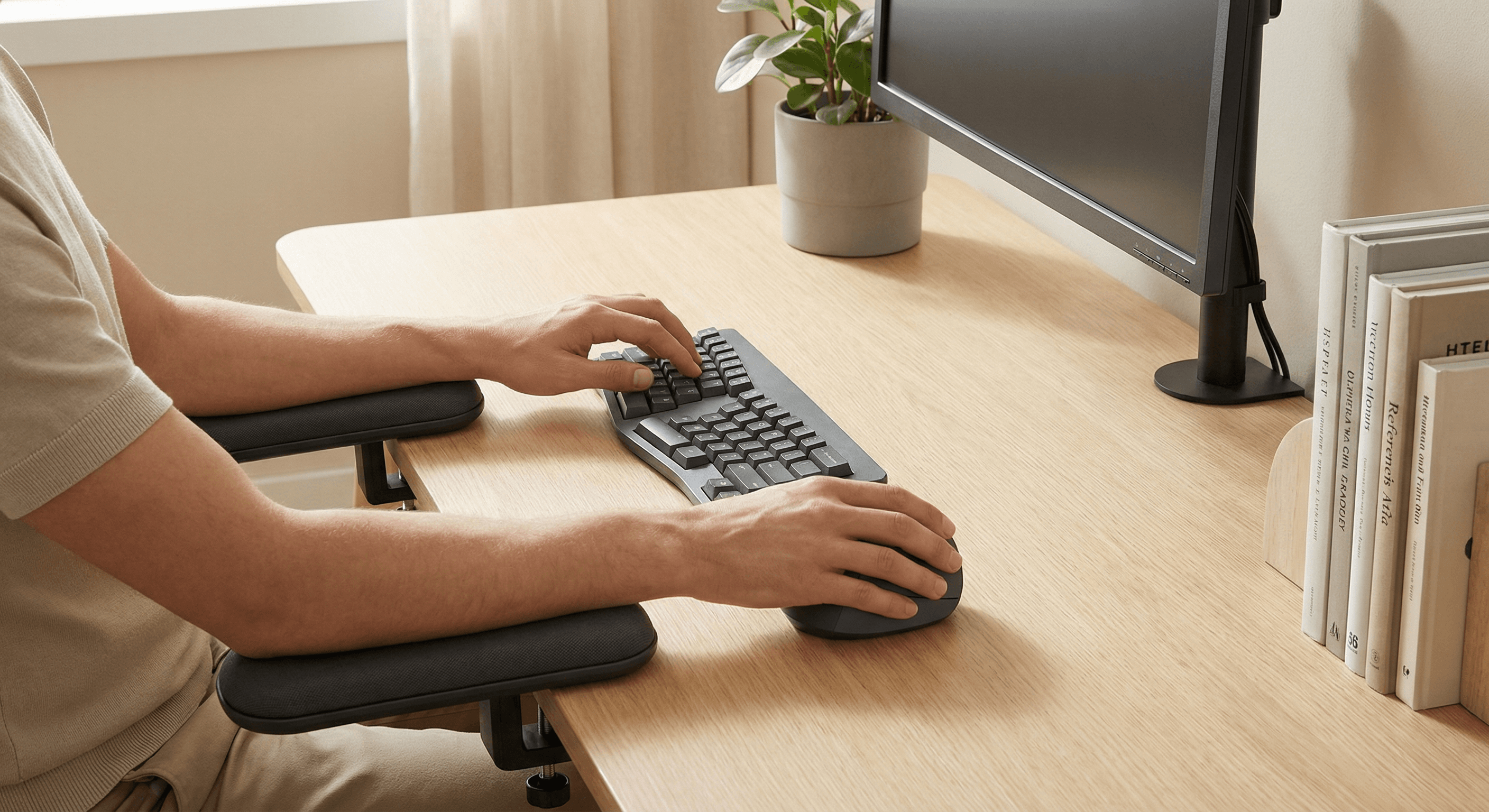
Best Ergonomic Mouse for Wrist Pain in Office Work (Quick Guide, 2026)
Quick-answer version of our office wrist-pain ergonomic mouse rankings. For full depth, use the deep-dive methodology guide.
Updated 2026-03-03
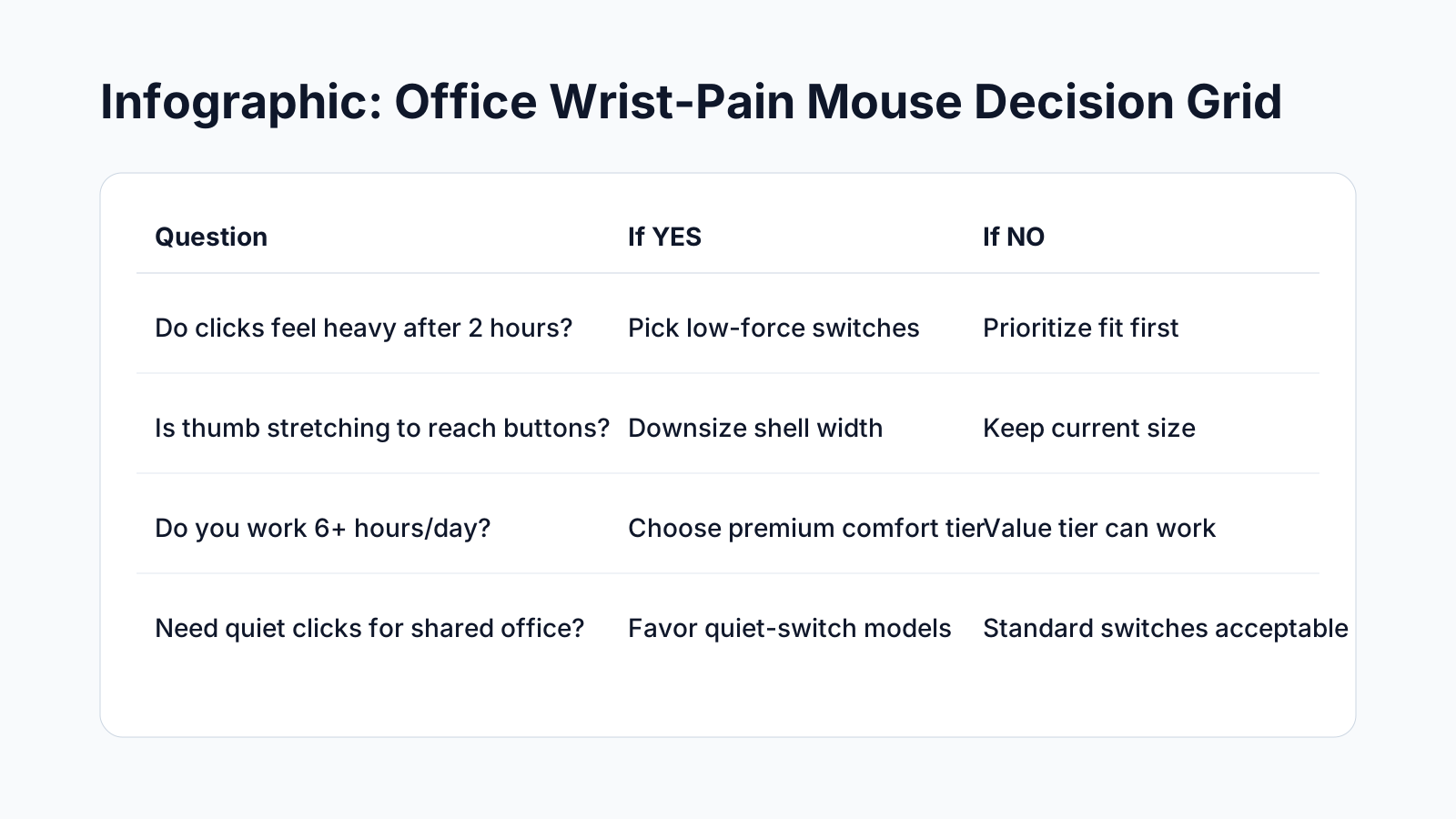
Infographic: Office Wrist-Pain Mouse Decision Grid
Quick Answer: Best Ergonomic Mouse for Wrist Pain in Office Work (Quick Guide, 2026)
If your wrist pain spikes during desk work, the most important variable is fit, not feature count. A poorly sized shell forces grip tension and awkward click reach that compounds over a full shift.
The best ergonomic mouse for office wrist pain should keep your forearm closer to neutral, lower click effort, and remain stable during repetitive workflows like spreadsheets, ticket queues, and document review.
This guide compares ten practical models using a buyer-first scoring system: fit and posture support (35%), long-session comfort (25%), control reliability (20%), and value confidence (20%).
Quick answer: start with Logitech Lift if you need the safest all-round pick, Logitech MX Vertical if you have larger hands and want premium build, and Anker Wireless Vertical if you need a low-risk budget trial.
For most professionals, adaptation takes 3-10 days. Early awkwardness is normal; persistent pain increase after week one usually means shape mismatch, not a failure of ergonomic mice as a category.
Noise, weight, and connectivity still matter in office settings, but they should never outrank wrist posture and click force. Comfort durability over six hours is the real quality benchmark.
If two options feel similar, run a five-day split test and track end-of-day soreness, cursor confidence, and fatigue. The better model usually reveals itself by day three.
Bottom line: choose the mouse that keeps your wrist calm during your hardest workload block, then lock in desk setup basics like forearm support and pointer-speed tuning.
Key takeaway: pick the smallest mouse that still supports your palm, then prioritize low click force.
Top Picks Quick Comparison
Fast shortlist for decision-first readers. Full table remains below for complete detail.
| Product | Best For | Price | Rating |
|---|---|---|---|
| Logitech Lift | Best overall office comfort | $$ | 4.6/5 |
| Logitech MX Vertical | Best premium for larger hands | $$$ | 4.5/5 |
| Evoluent VerticalMouse 4 | Best clinical ergonomic contour | $$$ | 4.4/5 |
| Anker Wireless Vertical | Best budget starter | $ | 4.3/5 |
| ProtoArc EM11 NL | Best quiet office value | $$ | 4.4/5 |
Quick-guide note: this page is the fast version. For the primary comprehensive article, use Best Ergonomic Mouse for Office Wrist Pain: Deep-Dive Buyer Guide.
How We Tested for Office Wrist-Discomfort Workflows
This guide is built for professionals running pointer-heavy office work for 6 to 9 hours per day: spreadsheets, CRM tabs, decks, ticket queues, and document review. We score each model using weighted criteria that map to day-to-day output, not spec-sheet hype: fit and posture support (35%), long-session comfort stability (25%), control reliability (20%), and ownership value (20%).
Our ranking gate is practical: if a mouse repeatedly triggers thumb overreach, ring-finger pressure, or rising end-of-day soreness after a normal adaptation window, it drops—regardless of premium branding or feature count.
Editorial scope note: this is office buyer guidance, not medical diagnosis or treatment advice.
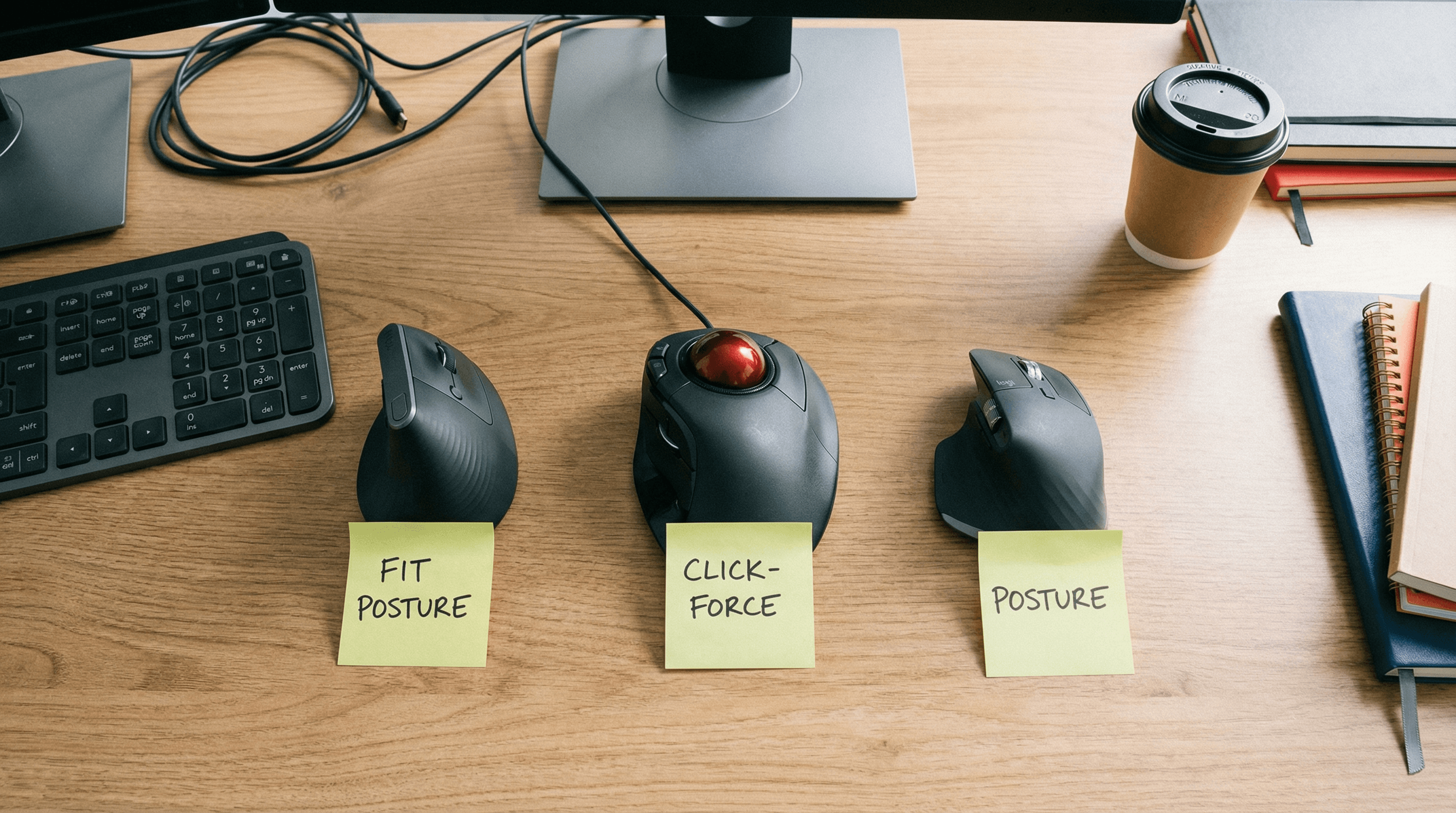
Who This Article Is For (and Not For)
- Office professionals with recurring wrist ache, click fatigue, or forearm tension during real computer work.
- Managers or procurement leads choosing mice for mixed hand sizes and mixed workloads.
- Buyers deciding between premium and budget options who want explicit tradeoffs, not generic “best mouse” lists.

Top 10 Ergonomic Mice: Practical Tradeoffs
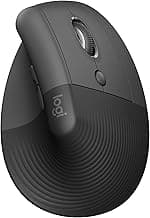
Logitech Lift: best all-round fit and low click effort for most office hands. Tradeoff: mid-tier price vs basic budget models.
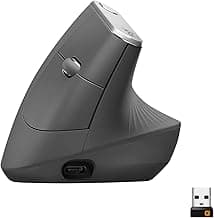
Logitech MX Vertical: premium build and stable precision for larger hands. Tradeoff: too large for many small-hand users.
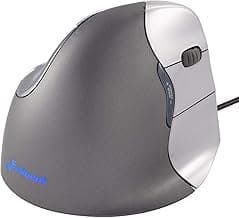
Evoluent VerticalMouse 4: strong pronation relief profile. Tradeoff: adaptation curve can be longer.
Anker Wireless Vertical: low-cost trial option. Tradeoff: quality consistency can vary.
ProtoArc EM11 NL: quiet-click value in shared offices. Tradeoff: lighter long-term track record than premium brands.
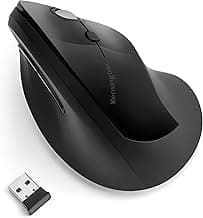
Kensington Pro Fit Ergo Vertical: easier transition from standard mice. Tradeoff: less aggressive wrist-neutral angle.
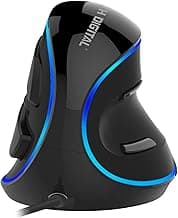
J-Tech Digital V628: excellent palm shelf support. Tradeoff: bulk can feel slow for tight desk zones.
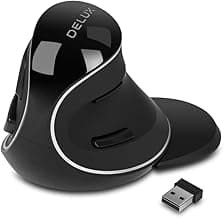
Delux M618 Plus: feature-rich value pick. Tradeoff: click feel can vary by unit.
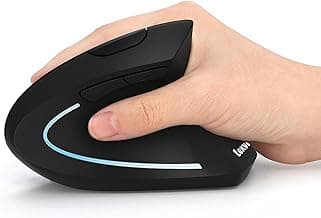
Lekvey Rechargeable Vertical: convenient rechargeable budget option. Tradeoff: switch consistency under heavy usage.
Perixx PERIMICE-718: wired stability for fixed desks. Tradeoff: cable drag for hybrid setups.
Pain-Pattern Decisioning: Start With What Flares First
Thumb-base discomfort first: favor compact-to-mid shells with easier thumb parking and lighter side-button force. Avoid tall, aggressive thumb ridges.
Wrist + forearm ache first: prioritize neutral posture support and lower grip tension. Match shell size to palm width before chasing extra features.
Finger-joint fatigue from clicking: prioritize lower click effort and clear actuation feel. Stiff switches usually underperform by hour six.
Shoulder tension during long sessions: combine a right-size mouse with tighter mousing zone setup and forearm support to reduce reach load.
Decision rule: choose the model that keeps discomfort stable or lower through your hardest daily work block by day five.
Adaptation Timeline (Day 1 to Week 3)
Most users should judge comfort after repeated real workloads, not first-hour impressions. Use morning + afternoon + end-of-day checks before deciding.

Evidence Snapshot: What the Data Says
Office buyer decisions should combine fit and evidence. Industry data consistently shows email, keyboard, and mouse-heavy knowledge work can exceed 6-9 hours/day of pointer input in peak periods. For selection quality, we prioritize repeatable indicators over marketing language.
- Typical ergonomic adaptation window: 3-10 days with most stability by week 2.
- Target test block per candidate: minimum 90 minutes of real task load.
- Evaluation cycle: 5-7 workdays before keep/return decision.
- Comfort validation threshold: no rising soreness by hour 6 in normal office posture.
- Team rollout check: run a 7-day pilot with mixed hand sizes before standardizing.
Reference standards and context: OSHA Computer Workstations eTool, NIOSH Ergonomics, and Mayo Clinic carpal tunnel overview.
Office Workflow Playbooks (How to Test in Real Work)
Spreadsheet-heavy roles: run a 90-minute block with dense click + scroll activity and monitor micro-accuracy plus finger fatigue near day-end.
Ops/support roles: test rapid tab switching, ticket triage, and copy/paste bursts. Prioritize wake reliability and predictable click feedback.
Meetings + documents workflows: check side-button behavior, cursor stability during screenshare, and perceived noise in shared spaces.
Manager/procurement pilots: use a 7-day, two-model pilot across mixed hand sizes before standardizing team purchases.
Simple tracking template: morning comfort / afternoon fatigue / end-of-day soreness / task confidence.
Internal Next-Step Guides
Wrist-Pain Office FAQ
Can an ergonomic mouse remove wrist pain completely?
It can reduce common aggravators, but results depend on fit, desk setup, and workload pacing.
Which matters more: DPI or click force?
Click force and shell fit matter more for office comfort than high DPI marketing specs.
How long should I test before returning?
Use at least 5 to 7 workdays with your real workload before making a keep/return decision.
Should teams buy one model for everyone?
Usually no. A two-model policy (default + alternative fit) reduces mismatch and fatigue complaints.
Editorial Transparency
Author: Vertical Mouse Guide Editorial Team · Visual assets: Vinnie lane (article-specific image set) · Last reviewed: 2026-03-03.
This page is educational buyer guidance and does not replace diagnosis or treatment from a qualified clinician.
Final Verdict: Office Wrist-Pain Buyers
For most office users, Logitech Lift remains the safest first choice. If your hand is larger or you need premium shell support, move to MX Vertical. If budget is strict, Anker Wireless Vertical is the best low-risk entry test.
The winning model is the one that keeps comfort stable through your hardest work block by day five—not the one with the longest spec sheet.
Real Product Photos: All Reviewed Models
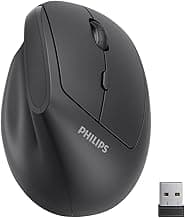
Each image below is a real product listing photo stored locally for faster loads and stable rendering.
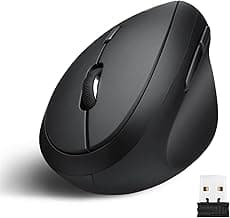
Comparison Table: Best Ergonomic Mouse for Wrist Pain in Office Work (Quick Guide, 2026)
Key takeaway: comfort fit beats raw specs for long-term productivity.
| Product | Best For | Price Band | Rating | Link |
|---|---|---|---|---|
| Logitech Lift | Best overall office comfort | $$ | 4.6/5 | Check on Amazon |
| Logitech MX Vertical | Best premium for larger hands | $$$ | 4.5/5 | Check on Amazon |
| Evoluent VerticalMouse 4 | Best clinical ergonomic contour | $$$ | 4.4/5 | Check on Amazon |
| Anker Wireless Vertical | Best budget starter | $ | 4.3/5 | Check on Amazon |
| ProtoArc EM11 NL | Best quiet office value | $$ | 4.4/5 | Check on Amazon |
| Kensington Pro Fit Ergo Vertical | Best transition from standard mice | $$ | 4.2/5 | Check on Amazon |
| J-Tech Digital V628 | Best palm shelf support | $$ | 4.2/5 | Check on Amazon |
| Delux M618 Plus | Best feature-rich value pick | $$ | 4.2/5 | Check on Amazon |
| Lekvey Rechargeable Vertical | Best cheap rechargeable option | $ | 4.3/5 | Check on Amazon |
| Perixx PERIMICE-718 | Best wired stability for fixed desks | $ | 4.2/5 | Check on Amazon |
Note: Amazon links may be affiliate links and can generate commissions at no extra cost to you.