
Best Ergonomic Mouse for Office Wrist Pain: Deep-Dive Buyer Guide (2026)
A methodology-first office guide for choosing an ergonomic mouse for wrist pain, including fit decisioning, adaptation checkpoints, and team rollout playbooks.
Updated 2026-03-03
Infographic: Office Wrist-Support Mouse Selection Matrix
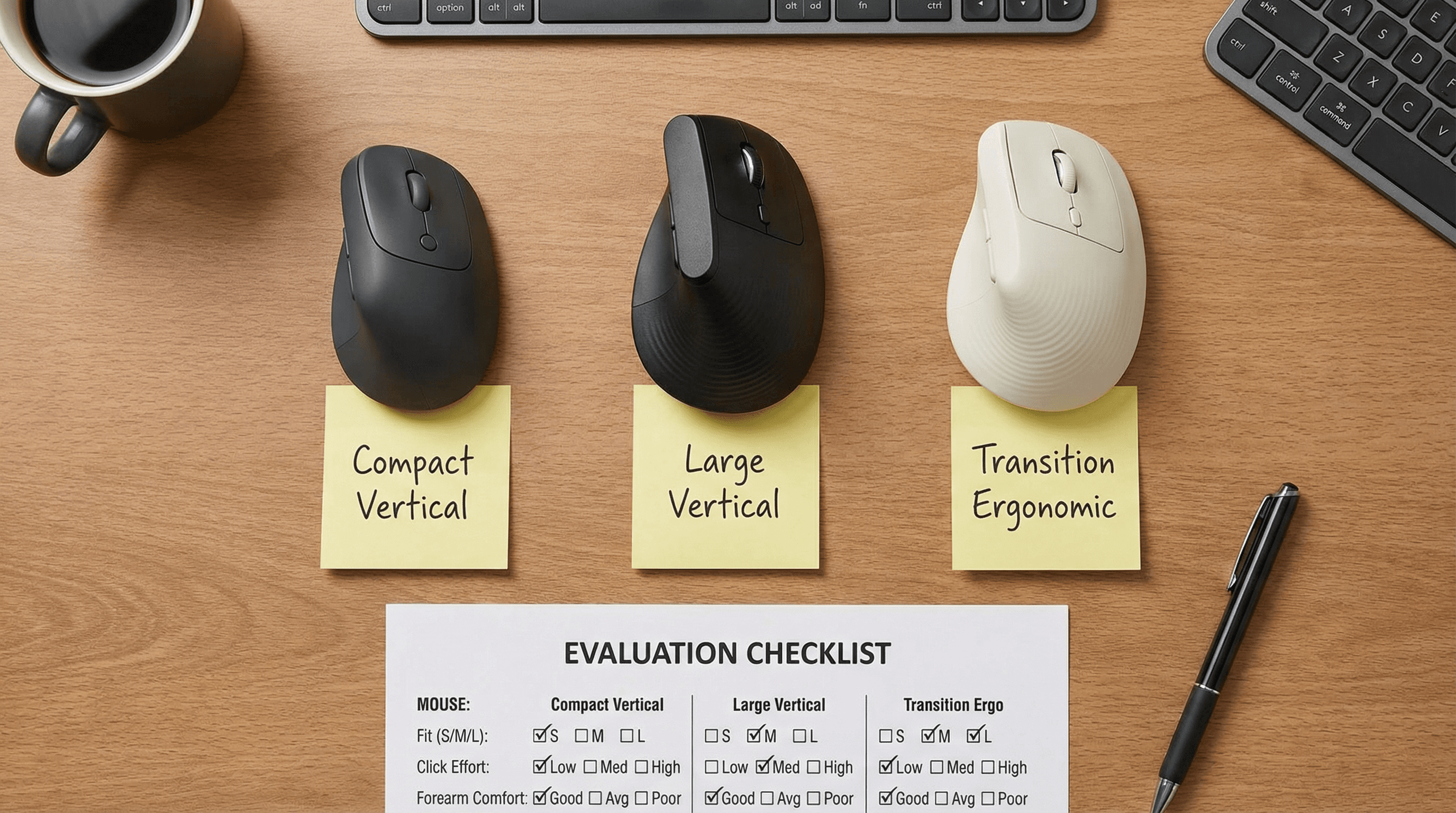
Quick Answer: Best Ergonomic Mouse for Office Wrist Pain: Deep-Dive Buyer Guide (2026)
Most office wrist pain decisions fail because buyers compare features before they validate fit. For daily computer work, shell geometry and click force dominate comfort outcomes over DPI claims.
This deep-dive guide ranks ergonomic mice with a practical office weighting model: fit and posture support (35%), six-hour comfort durability (25%), control reliability (20%), and value confidence (20%).
Quick shortlist: Logitech Lift is the safest all-round choice for most teams, MX Vertical wins for larger hands and premium stability, and Anker Wireless Vertical is the lowest-risk budget trial.
Use a 5- to 7-day real-work test, not a 20-minute desk impression. The right mouse usually shows clear comfort stability by day three.
If soreness rises after week one, treat that as shape mismatch rather than user failure. Swap shell size or angle before blaming the ergonomic category.
For procurement, run a two-model pilot (default + alternative fit) across mixed hand sizes before standardizing office-wide.
This article stays non-medical: it is buyer guidance for office ergonomics, not diagnosis or treatment advice.
Key takeaway: pick the smallest mouse that still supports your palm, then prioritize low click force.
Top Picks Quick Comparison
Fast shortlist for decision-first readers. Full table remains below for complete detail.
| Product | Best For | Price | Rating |
|---|---|---|---|
| Logitech Lift | Best overall for most office teams | $$ | 4.6/5 |
| Logitech MX Vertical | Best premium for larger hands | $$$ | 4.5/5 |
| Evoluent VerticalMouse 4 | Best posture-first contour | $$$ | 4.4/5 |
| ProtoArc EM11 NL | Best quiet-value office option | $$ | 4.4/5 |
| Anker Wireless Vertical | Best low-risk budget trial | $ | 4.3/5 |
Methodology: Office-Grade Wrist-Support Scoring
We score each model against office reality, not spec sheets: fit/posture support (35%), six-hour comfort durability (25%), control reliability in multi-app workflows (20%), and value confidence including return-risk (20%).
Passing criteria: stable comfort through the hardest daily work block by day five. Failing criteria: rising soreness, overreach clicks, or unstable pointer confidence after normal adaptation.
Decision Tree: Match Pain Pattern to Mouse Class
Thumb-base flare first: prioritize compact-to-mid shells with easy thumb parking and low side-button resistance.
Forearm ache first: choose stronger vertical posture support and keep grip force low during long blocks.
Finger fatigue first: select lower click effort before pursuing extra buttons or high-DPI options.
Mixed-team procurement: deploy two approved shapes to reduce fit mismatch across hand sizes.
Adaptation Timeline and Keep/Return Triggers
Evaluate on Day 1, Day 3, and Week 2 checkpoints. Keep models with stable or improving comfort; return models with worsening soreness or persistent control tension.

Internal Next-Step Guides
Office Wrist-Support FAQ
How long should we pilot before buying in bulk?
Run a 7-day pilot with mixed hand sizes, then standardize only models with stable comfort and control scores.
Should we buy the same mouse for every employee?
Usually no. A two-model policy significantly reduces mismatch and return churn.
What matters more for comfort: angle or click force?
Both matter, but high click effort can ruin an otherwise good posture angle over long shifts.
Editorial Transparency
Author: Vertical Mouse Guide Editorial Team · Visual assets: Vinnie lane (2K custom renders) · Last reviewed: 2026-03-03.
This page is educational buyer guidance and does not replace diagnosis or treatment advice from a qualified clinician.
Final Verdict: Deep-Dive Office Buyers
Choose the model that remains comfortable in your hardest workload block by day five. For most teams: start with Lift, add MX Vertical for larger hands, and keep a budget trial lane with Anker for cost-sensitive rollout.
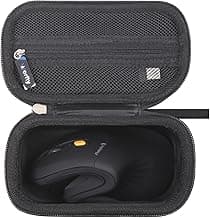
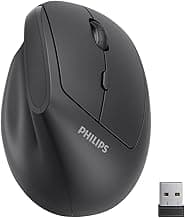
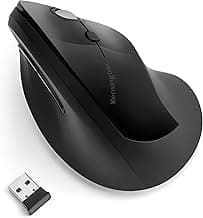
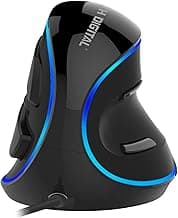
Real Product Photos: All Reviewed Models
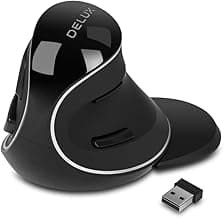
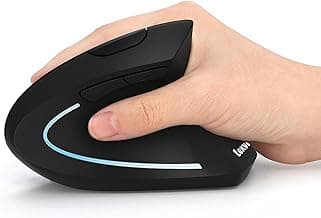
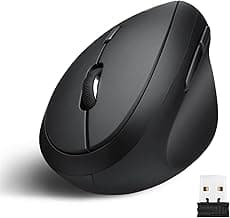
Each image below is a real product listing photo stored locally for faster loads and stable rendering.
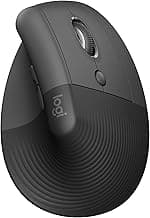
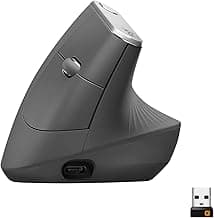
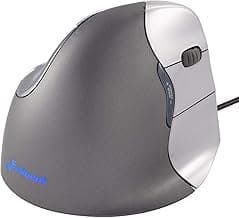
Comparison Table: Best Ergonomic Mouse for Office Wrist Pain: Deep-Dive Buyer Guide (2026)
Key takeaway: comfort fit beats raw specs for long-term productivity.
| Product | Best For | Price Band | Rating | Link |
|---|---|---|---|---|
| Logitech Lift | Best overall for most office teams | $$ | 4.6/5 | Check on Amazon |
| Logitech MX Vertical | Best premium for larger hands | $$$ | 4.5/5 | Check on Amazon |
| Evoluent VerticalMouse 4 | Best posture-first contour | $$$ | 4.4/5 | Check on Amazon |
| ProtoArc EM11 NL | Best quiet-value office option | $$ | 4.4/5 | Check on Amazon |
| Anker Wireless Vertical | Best low-risk budget trial | $ | 4.3/5 | Check on Amazon |
| Kensington Pro Fit Ergo Vertical | Best transition from standard shape | $$ | 4.2/5 | Check on Amazon |
| J-Tech Digital V628 | Best palm shelf support | $$ | 4.2/5 | Check on Amazon |
| Delux M618 Plus | Best feature-rich value | $$ | 4.2/5 | Check on Amazon |
| Lekvey Rechargeable Vertical | Best cheap rechargeable pick | $ | 4.3/5 | Check on Amazon |
| Perixx PERIMICE-718 | Best wired reliability at fixed desks | $ | 4.2/5 | Check on Amazon |
Note: Amazon links may be affiliate links and can generate commissions at no extra cost to you.